

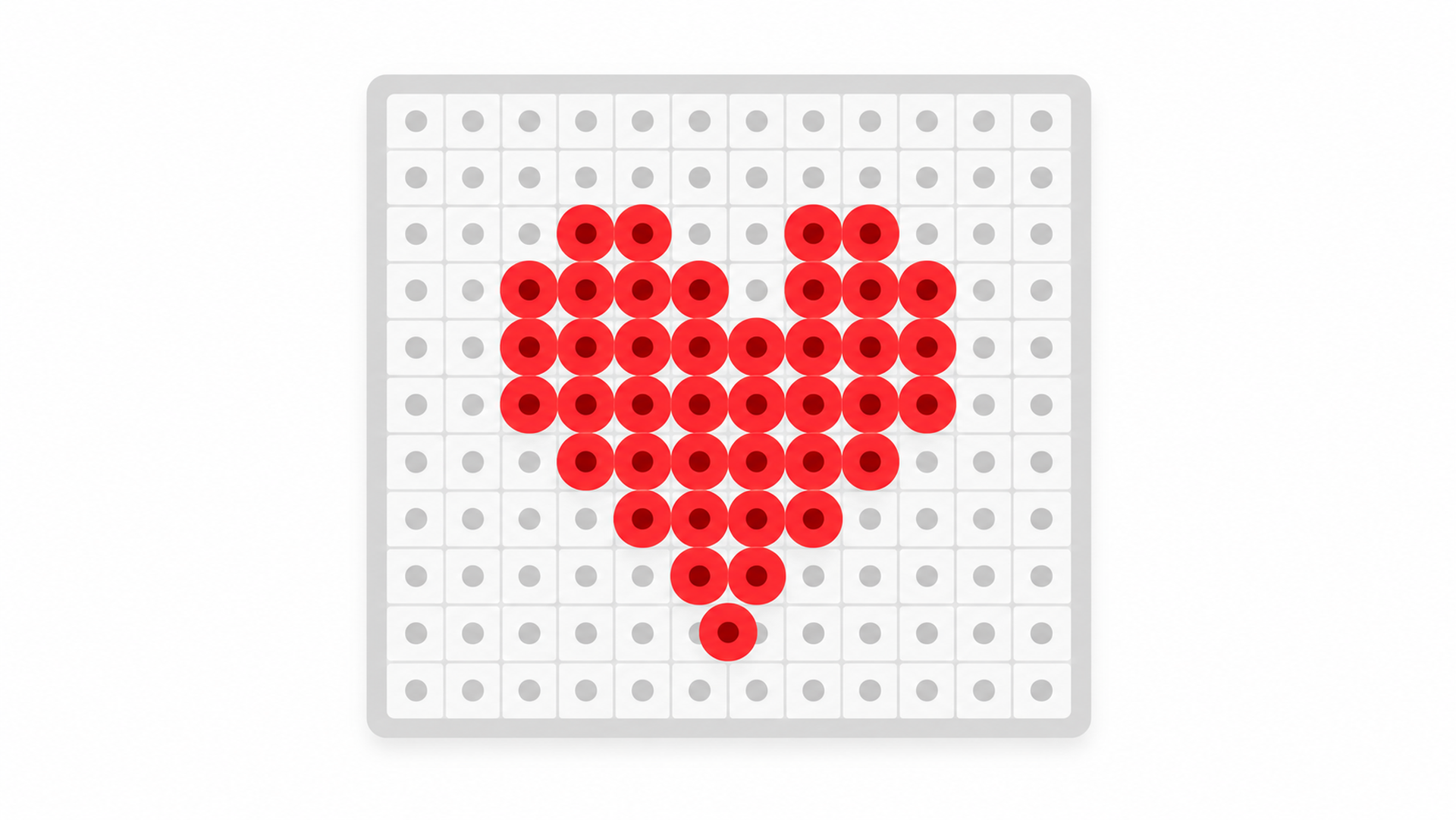
The easiest Perler bead patterns for a beginner share three things: a small grid, a few colors, and a bold, simple shape. Rather than searching for a pattern to copy, you can make your own easy design in the pattern maker: give it a photo or a short word, keep the size small, and it snaps every cell to a real Perler shade, counts the beads, and prints a chart you can build from. Free, in your browser — and the design is yours.
What makes a pattern easy for a beginner
“Easy” is mostly about keeping the numbers down so the first project actually gets finished:
- A small grid. Fewer beads means less counting and less time — start around 16–29 beads wide, not 100+.
- Few colors. Three to eight colors is plenty for a clear design and much easier to sort and place than a full palette.
- Bold, flat shapes. A shape that still reads when it is chunky — a heart, a star, a simple animal — works far better than fine detail.
- Symmetry helps. A symmetrical design is easier to place correctly and to spot mistakes in.
Easy ideas to start with
Simple subjects that read well at a small size and only need a handful of colors:
- A heart or a star — a few beads, one or two colors, hard to get wrong.
- A simple fruit — a strawberry, apple or watermelon slice: bold shape, three or four colors.
- A pet or animal face — cropped close, facing forward, so it stays clear when chunky.
- An initial or short name — a keychain or bag tag from the Text tab.
- A game-style sprite — a small mushroom, heart or coin already reads in flat blocks.
Settings that keep it easy
Two settings do most of the work. Set the width small — the 29-bead preset, or the slider down toward 16 for a first try — and cap the colors at a low number so the tool merges close shades instead of using dozens. If a design still looks fiddly, drop the width or the color cap again; easy comes from smaller numbers, not from a special pattern.
Make your own easy pattern
- Pick a simple subject. A bold photo cropped close, or a short word in the Text tab.
- Start small. Choose a width around 16–29 beads and cap the palette at 3–8 colors.
- Create and tidy up. The tool matches each cell to a Perler shade; replace a color or paint a few cells until the shape is clean.
- Print the chart. Export the PDF chart and CSV color counts, and build from it next to your pegboard.
Not sure how big to go? The guide on turning a photo into a bead pattern walks through a full example, and Perler bead designs from a photo has more ideas once you are past your first.