

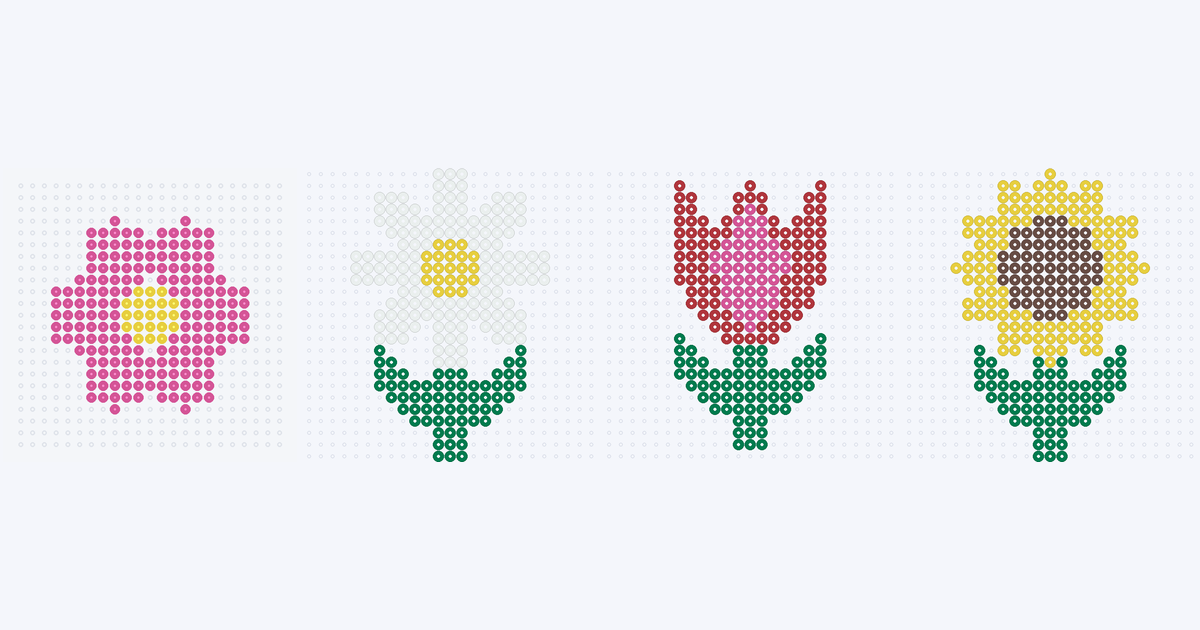
Start with the two-color pink flower for easy flower Perler beads, or choose a daisy, tulip or sunflower with a stem and paired leaves. These four original flower Perler bead patterns use 199–251 beads each. Every count below comes from the actual grid; empty pegs are not included.
Four flower patterns to try
Open a card for its full pegboard preview and color list. These are static reading charts; choosing a card does not load an editable project into the maker.
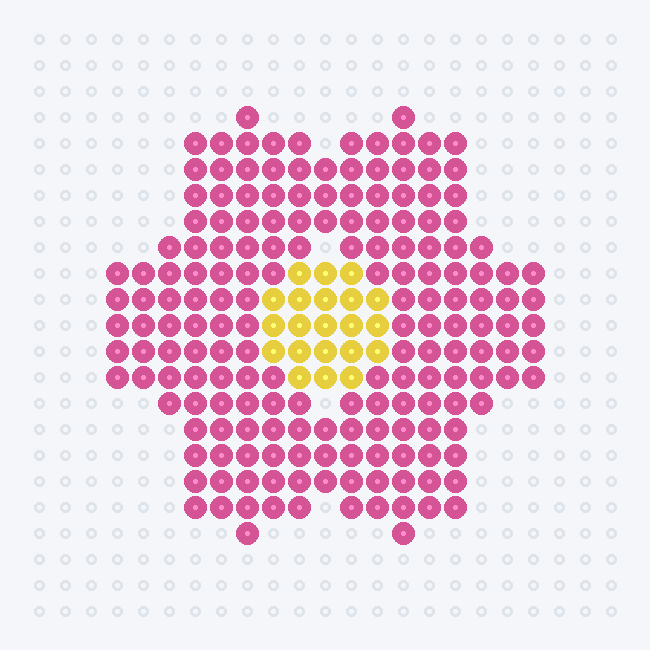
- Pink flower: six rounded petals and a yellow center, without a stem. Two colors make it the simplest palette here.
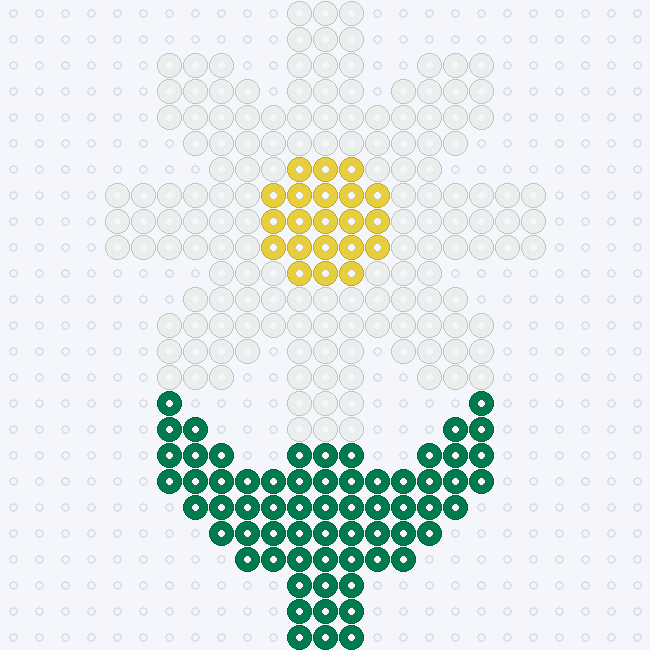
- Daisy: eight white petals with open gaps between their tips. Keep those gaps when following the chart.
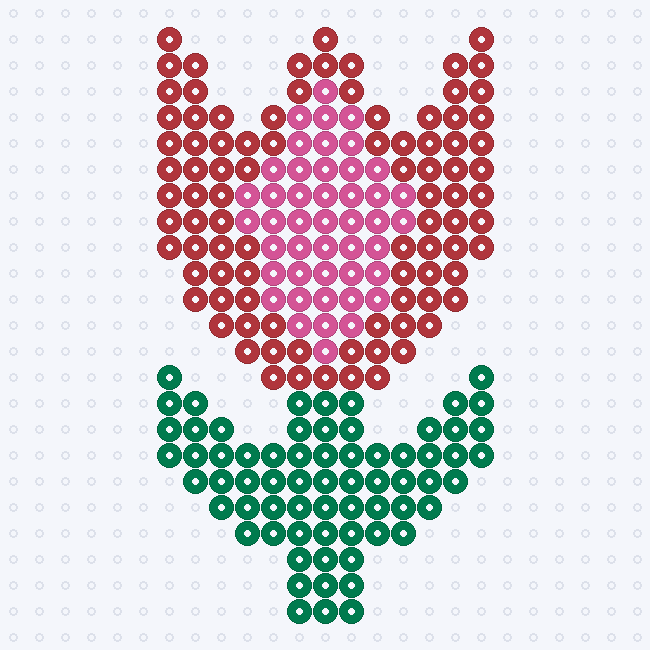
- Tulip: a red cup with a pink middle petal. The three tips and two notches carry the silhouette.
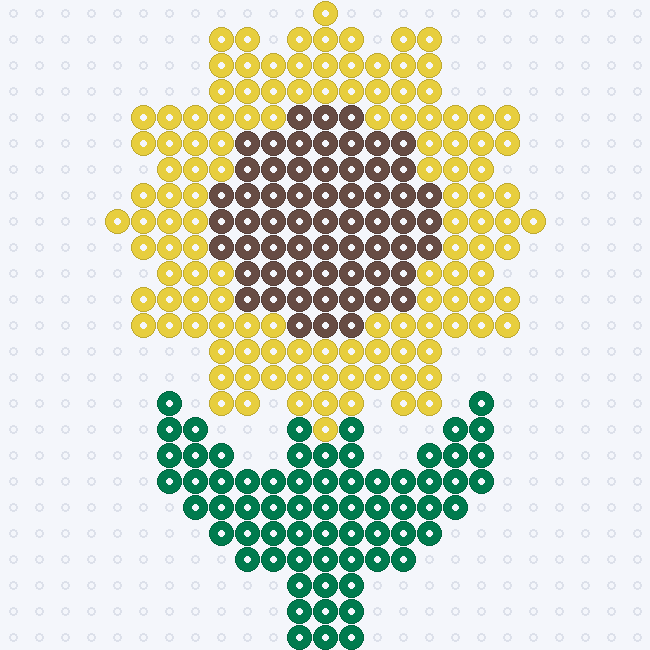
- Sunflower: pointed yellow petals around a broad brown seed center. Its large dark center distinguishes it from the daisy.
Exact colors, bead counts and grid sizes
Check your supplies before placing beads. Codes, names and screen colors come from the same 103-shade Perler reference palette used by the maker. Screen shades are approximations; compare them with the beads you own. BeadDraft is not affiliated with or endorsed by Perler.
Flower bead pattern — 23×23
| Perler color | Code | Beads |
|---|---|---|
| Pink | 80-19083 | 178 |
| Yellow | 80-19003 | 21 |
| Total | 2 colors | 199 |
Daisy flower bead pattern — 21×25
| Perler color | Code | Beads |
|---|---|---|
| White | 80-19001 | 148 |
| Dark Green | 80-19010 | 64 |
| Yellow | 80-19003 | 21 |
| Total | 3 colors | 233 |
Tulip bead pattern — 17×23
| Perler color | Code | Beads |
|---|---|---|
| Red | 80-19005 | 91 |
| Dark Green | 80-19010 | 67 |
| Pink | 80-19083 | 45 |
| Total | 3 colors | 203 |
Sunflower bead pattern — 21×25
| Perler color | Code | Beads |
|---|---|---|
| Yellow | 80-19003 | 124 |
| Dark Green | 80-19010 | 66 |
| Brown | 80-19012 | 61 |
| Total | 3 colors | 251 |
How to read the chart — not a 1:1 template
Use the preview beside your pegboard: one colored ring represents one bead, and an empty peg stays empty. Read left to right, top to bottom. The decorative board margin is not an extra row of beads. Count from the flower center to keep the petals aligned; the three stemmed flowers are mirror-symmetric, including their colors.
The maker exports a PDF for your confirmed project, with a materials list (color symbols, codes, names, hex values and counts) followed by chart sections of up to 29×29 cells. Each section has symbols, coordinate labels and its board position. A4 and US Letter are supported. The PDF says READING CHART — NOT 1:1: place it beside the board, not underneath as a life-size placement template. The gallery preview itself is not a calibrated template either.
To export an editable version of one of these flowers, recreate its cells in the maker and compare the resulting counts with the table above. Uploading the decorated preview as a photo can sample its background and bead holes, so it is not an exact grid import.
How to make your own Perler bead flowers
- Choose a photo you can use. Crop tightly around one bloom against a plain background. A clear petal outline matters more than fine texture.
- Set the grid width. The maker accepts 12–120 cells across; height follows the crop, with a 120-cell height limit. Try the 29-cell preset first, then inspect the preview.
- Keep the colors distinct. Generation allows a cap of up to 12 colors matched to the 103-shade Perler palette. Try three or four for a flower: petals, center, stem and an optional accent.
- Apply and edit. Apply the preview, then paint, erase or replace colors. Preserve the tulip notches or the sunflower center when changing the design; mirror your edits if you want symmetry.
- Export the confirmed result. Download a PDF reading chart, PNG grid image or CSV bead list. Unapplied previews are not exported, and edits change the counts.
For a personal variation, recolor the tulip petals, make the daisy center larger, or shorten a stem. Recount after any change. The controls work in grid cells; there is no bead type or diameter switch. See the photo-to-pattern walkthrough for the full workflow.