

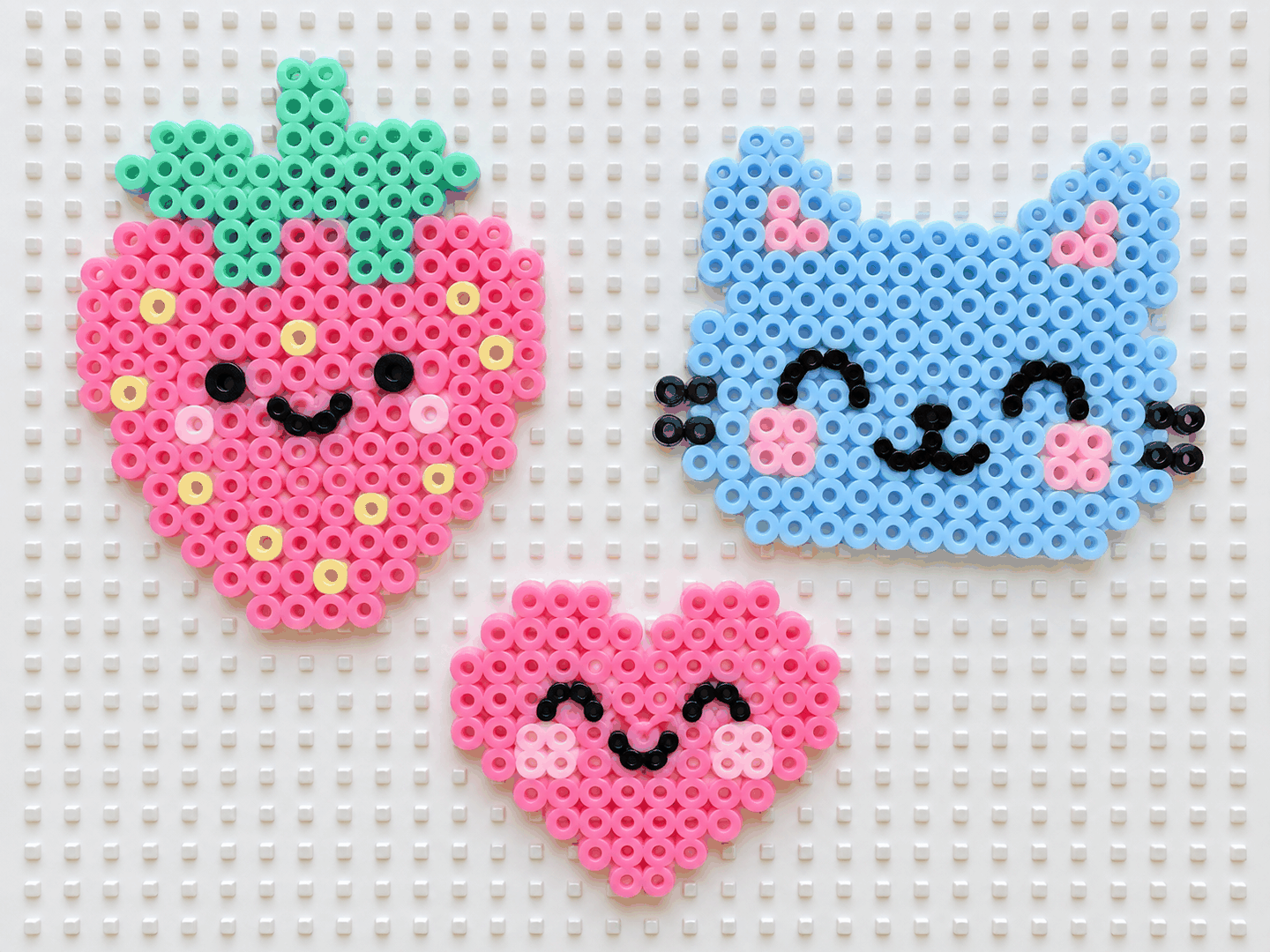
“Cute” in bead form is mostly a few choices: rounded, chunky shapes, a soft pastel palette, and a simple, friendly face. Rather than copying a character someone else owns, you can make your own cute design in the pattern maker: give it a photo or a short word, keep the size small, and it snaps every cell to a real Perler shade, counts the beads, and prints a chart you can build from. Free, in your browser — and the design is yours.
What makes a pattern read as cute
Cuteness is a handful of visual cues you can aim for on the grid:
- Rounded, chunky shapes. Soft edges and blob-like bodies read cuter than sharp, angular ones — and they hold up better when the grid is small.
- A simple face. Two dot eyes and a small mouth are enough; big eyes set low on the face are the classic kawaii trick.
- Soft, pastel colors. Pinks, mints, pale yellows and sky blues feel gentle and cute; keep the palette small so it stays clean.
- Small size. A tiny design is inherently cuter and quicker to finish than a large, detailed one.
Cute ideas to try
Original subjects that turn out cute at a small size with only a few colors:
- Kawaii food — a strawberry, a fried egg, a cup of boba or a mushroom, each with a tiny smiling face.
- Animal faces — a cat, a bunny or a bear, cropped close and facing forward.
- Hearts and stars — add a small face to turn a plain shape into a character.
- Your own pet — a clear, close photo of your pet makes a cute, one-of-a-kind design.
- A little name tag — a short name or initial in soft colors from the Text tab.
For a cute design that is truly yours, start from your own photo or idea rather than a copyrighted character — it keeps the result original and free to share.
Settings for a cute look
Keep the width small — the 29-bead preset, or the slider toward 16 — so shapes stay chunky and rounded. Cap the colors low and lean on soft shades; the tool merges close colors so a pastel design stays clean instead of speckled. If it looks busy, drop the width or the color cap and add a simple face with the paint tool.
Make your own cute pattern
- Pick a cute subject. A rounded shape, a pet photo cropped close, or a short word in the Text tab.
- Start small and soft. Choose a width around 16–29 beads and cap the palette at a few pastel colors.
- Create and add a face. The tool matches each cell to a Perler shade; paint two dot eyes and a small mouth to make it a character.
- Print the chart. Export the PDF chart and CSV color counts, and build from it next to your pegboard.
New to this? The easy patterns for beginners guide keeps the numbers small, and turning a photo into a bead pattern walks through a full example.