
THE BEADDRAFT BLOG
Photos, grids & beads, explained.
Honest guides to making fuse-bead patterns from a photo — sizing, colors, printing, and what the tool can and cannot tell you.
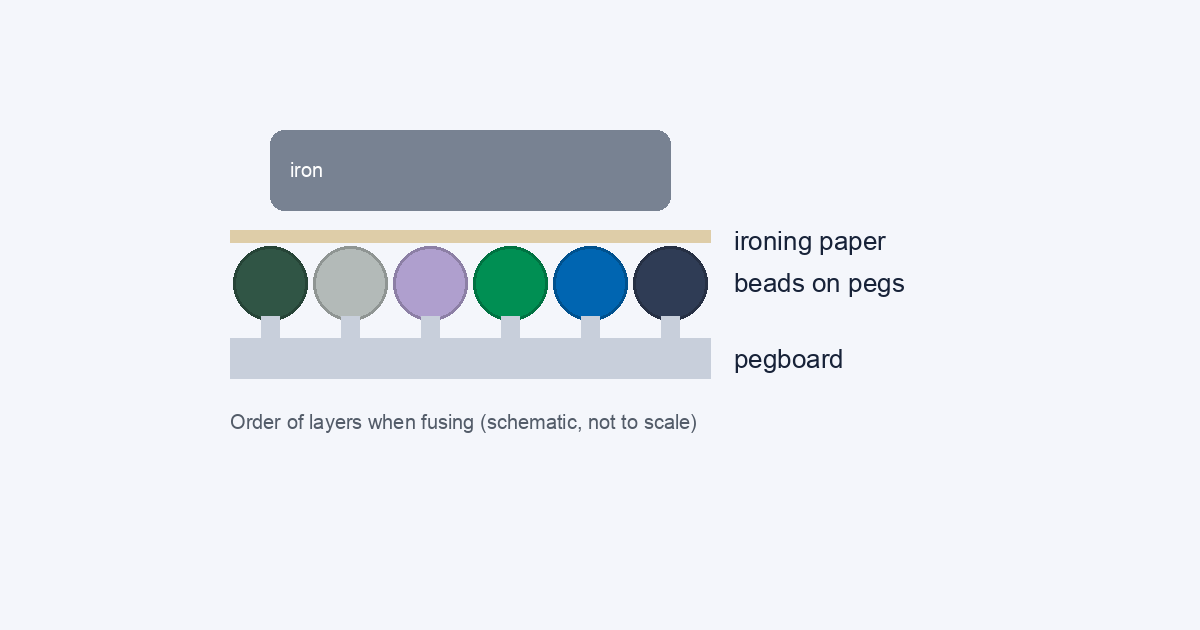
How to iron Perler beads without ruining them
Ironing is the last step: paper over the beads, a medium dry iron in slow circles, check often, flip, then flatten the piece while warm. Here is the order, how to tell under- from over-fused, and why you should test a small piece first.
 ··6 min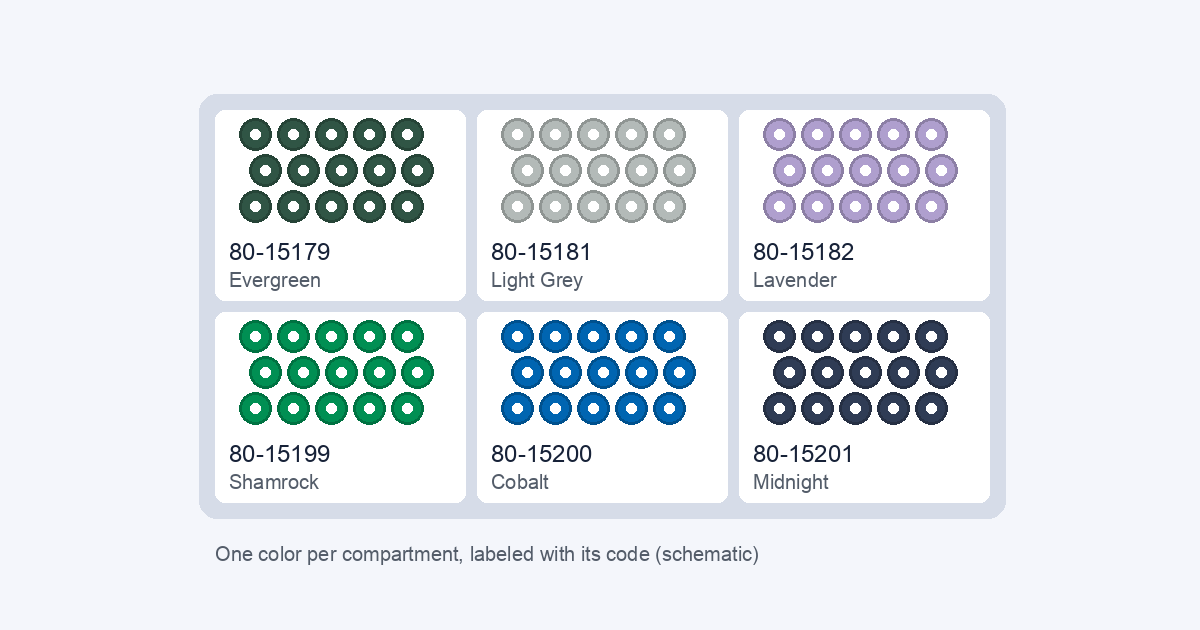
How to store and organize Perler beads by color
Three steps: sort by color, keep each color in its own closed compartment, label it with the code. Plus a container-size formula you can redo, and how to check your stock against the CSV bead list a pattern exports.
··6 min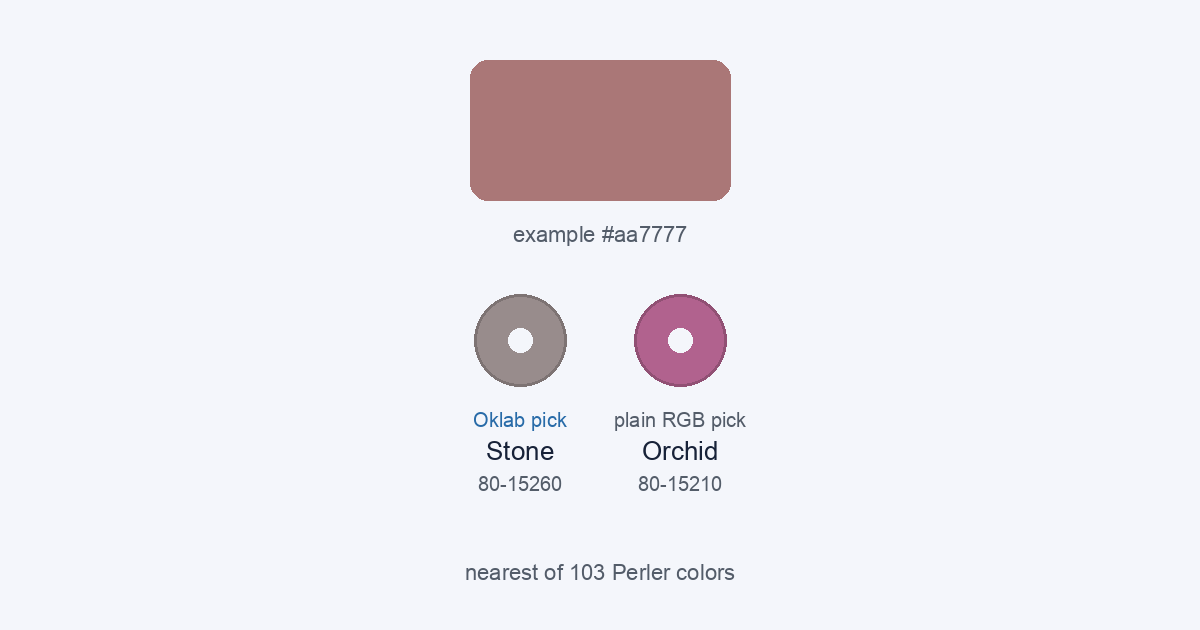
How to match photo colors to Perler beads
Each cell gets the bead whose color is closest in Oklab, then the palette is cut to your Max colors and every cell is matched again. Here are the four steps, with real examples where Oklab and plain RGB pick different beads.
··7 min
Perler, Hama and Artkal: what the difference means for your pattern
A fuse-bead pattern is a grid of colored cells, and that grid is the same in any brand. What differs is size and color names — here is exactly what each changes, and how to map colors to the kit you own.
··8 min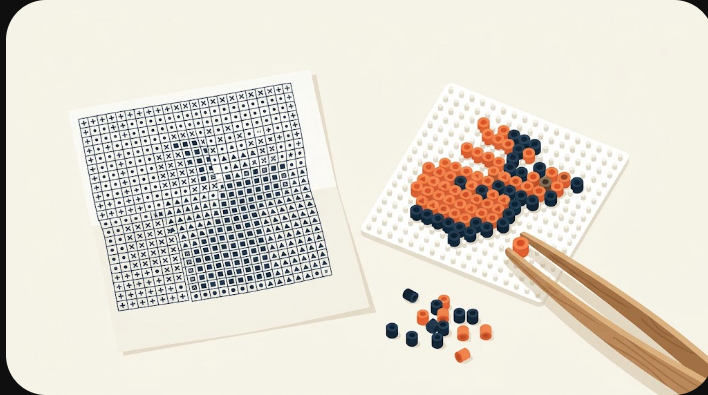
How to print a bead pattern you can actually read
Export the PDF reading chart — symbols, board sections and counts, made to sit beside your pegboard. Here is what is on it, why it is not 1:1, and when the other three exports serve you better.
··7 min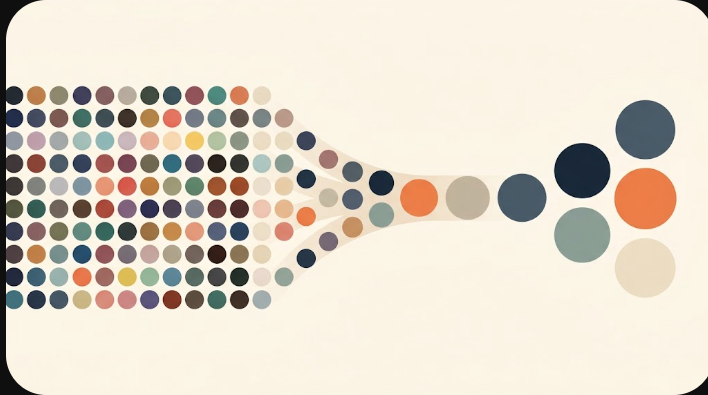
Reduce colors without losing the details
There are two levers, and they work at different moments. Simplify never forces a color count and never touches a bead you protected — here is the exact rule it uses, plus how to protect details first.
··9 min
How to prepare a photo for a clean bead pattern
The photos that convert cleanly share three things. Here they are — plus an honest, mechanism-level explanation of what the background-removal toggle can and cannot do, and a pre-flight checklist.
··8 min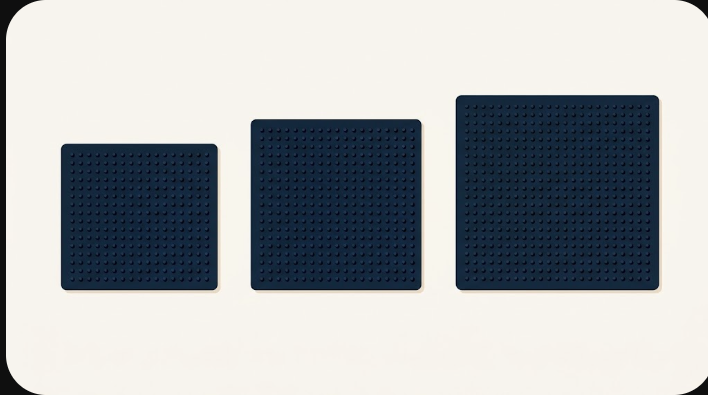
How many beads wide? Choosing a pattern size
Start at 29 wide for a face, 58 for a scene, 87 when fine features must stay legible. Here is the full math — board sections, how fast the bead count climbs, and finished size by brand.
··8 min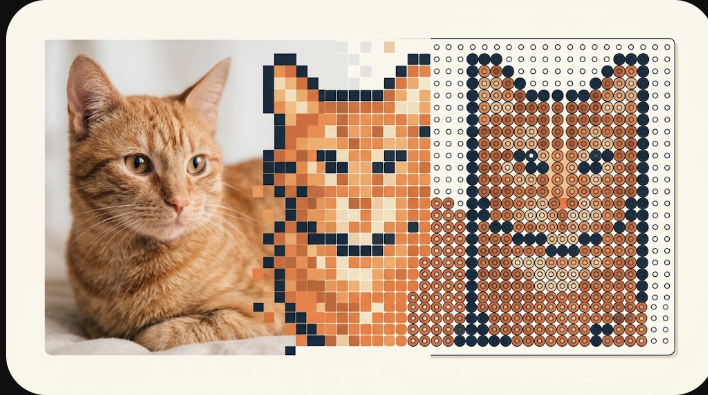
How to turn a photo into a bead pattern
Pick a width, let the tool sample your photo into a grid, then check the colors and counts. Here is what each of those steps actually does to your image — with a worked example.
··9 min