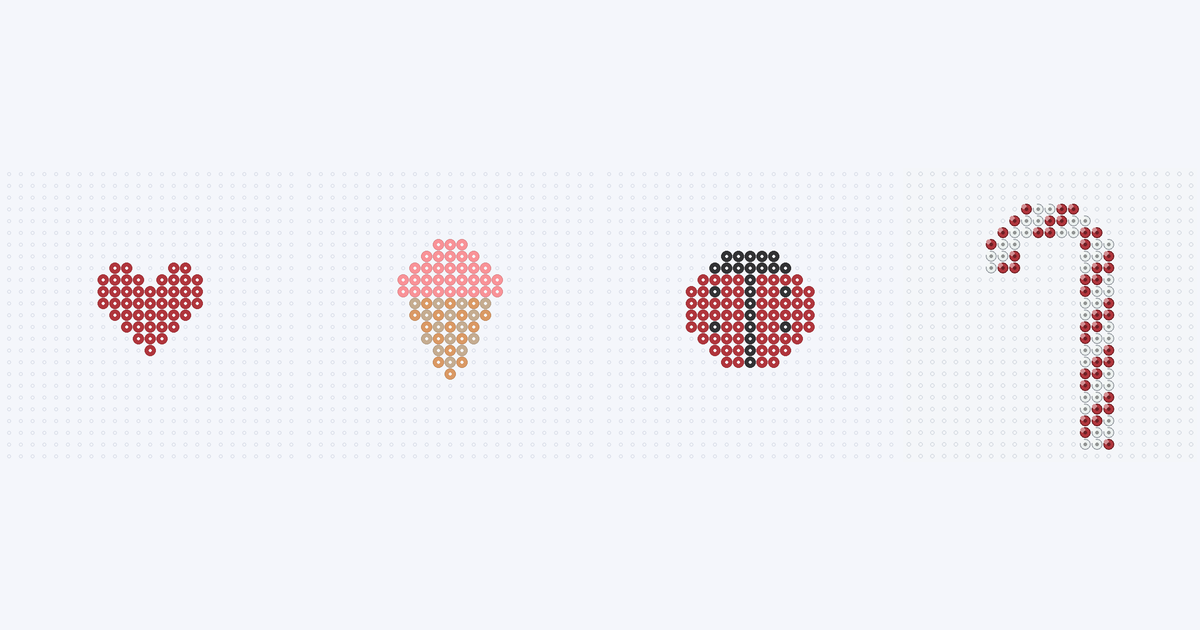
These are 7 small Perler bead patterns of 46 to 104 beads each. The smallest is a mini heart of 46 beads; for scale, our full-size heart is 231. Every count is taken from the actual grid, and empty pegs are not included.
Make your own small pattern →
7 small patterns to try
Charts are listed from fewest beads to most. Open a card for its full pegboard preview and color list. These are static reading charts; choosing a card does not load an editable project into the maker.
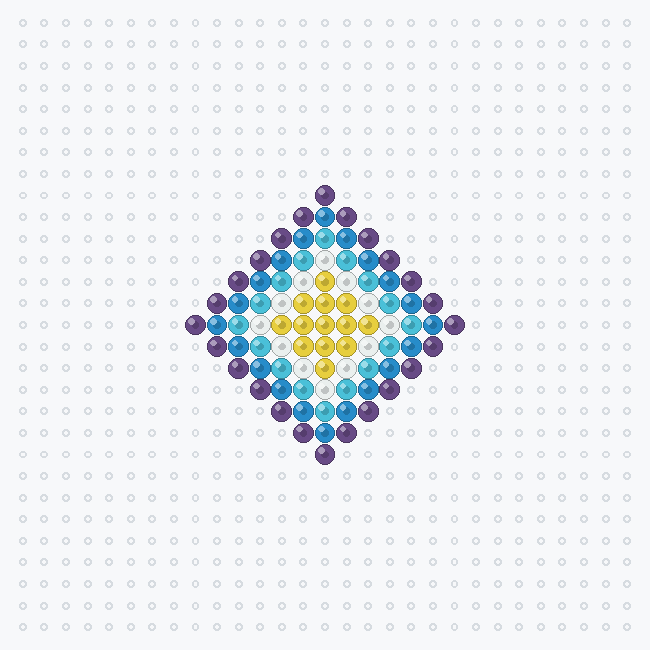
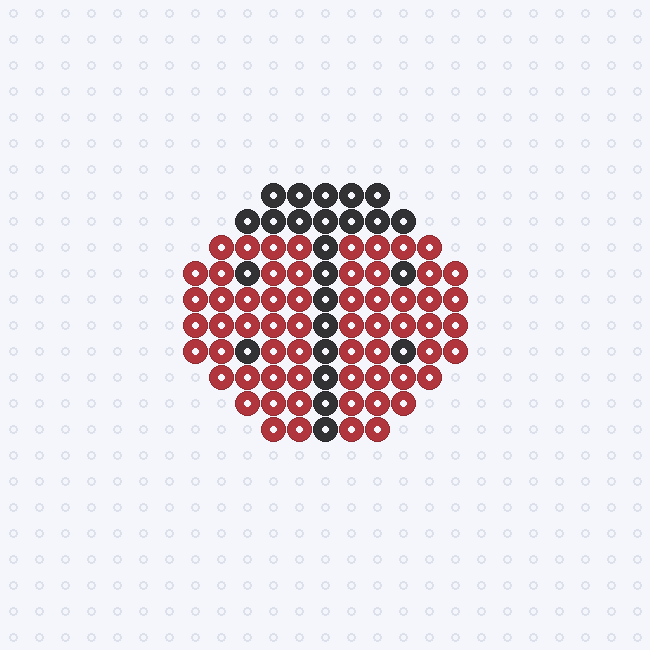
The mini heart, ice cream cone and ladybug are new original drawings; the candy cane, diamond, cloud and apple are earlier BeadDraft charts that also fit under 110 beads. The ice cream cone and ladybug are the new ones with a little detail, and the mini heart is the quickest start because it is one color with no detail beads.
Sizes side by side
The full heart has 231 beads on a 23×23 grid. The mini heart has 46 on a 9×8 grid, which is about 20% of the beads. Bead count is the clearest measure of how much a chart takes to place, because it counts every bead and ignores the empty pegs.
Exact colors, bead counts and grid sizes
Check your supplies before placing beads. Codes, names and screen colors come from the same 103-shade Perler reference palette used by the maker. Screen shades are approximations; compare them with the beads you own. BeadDraft is not affiliated with or endorsed by Perler.
| Perler color | Code | Beads |
|---|
| Red | 80-19005 | 46 |
| Total | 1 color | 46 |
| Perler color | Code | Beads |
|---|
| Blush | 80-19063 | 33 |
| Butterscotch | 80-19090 | 16 |
| Tan | 80-19035 | 15 |
| Total | 3 colors | 64 |
| Perler color | Code | Beads |
|---|
| White | 80-19001 | 43 |
| Red | 80-19005 | 41 |
| Total | 2 colors | 84 |
| Perler color | Code | Beads |
|---|
| Purple | 80-19007 | 24 |
| Light Blue | 80-19009 | 20 |
| Sky | 80-15216 | 16 |
| Yellow | 80-19003 | 13 |
| White | 80-19001 | 12 |
| Total | 5 colors | 85 |
| Perler color | Code | Beads |
|---|
| Red | 80-19005 | 62 |
| Black | 80-19018 | 24 |
| Total | 2 colors | 86 |
| Perler color | Code | Beads |
|---|
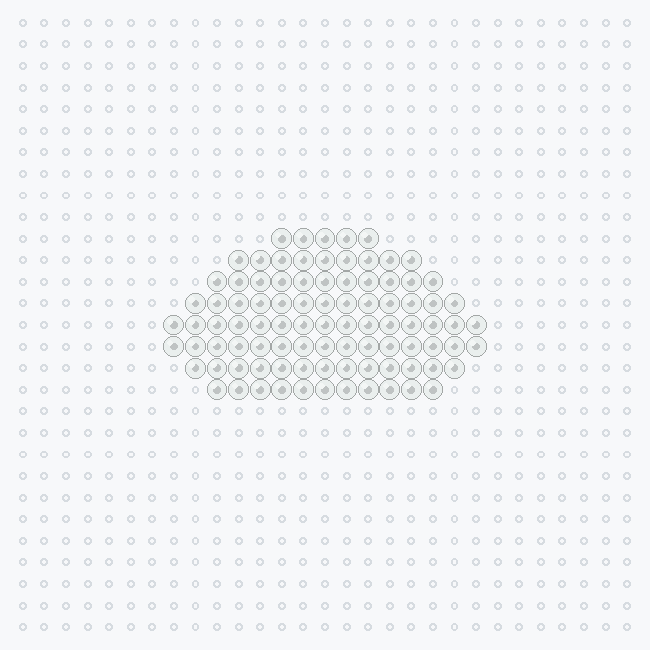
| White | 80-19001 | 92 |
| Total | 1 color | 92 |
| Perler color | Code | Beads |
|---|
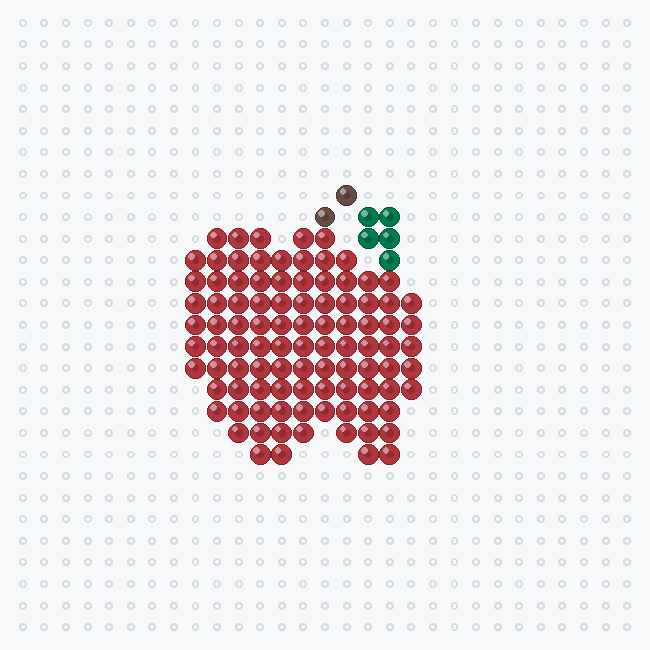
| Red | 80-19005 | 97 |
| Dark Green | 80-19010 | 5 |
| Brown | 80-19012 | 2 |
| Total | 3 colors | 104 |
What works at a small size
On a grid this small, every bead is a large share of the picture, so a few rules matter more than they do on a big chart.
- Use a bold outline. A recognisable silhouette matters more than fine detail. The mini heart is one color and still reads as a heart.
- Keep details to single beads. The ladybug's spots and the cone's waffle texture are one-bead marks; anything finer than one bead cannot be shown.
- Use two or three colors. Each design here uses 1–3 colors, so there is little sorting before you start.
- Watch single-bead tips. The point of the heart and the base of the cone are one bead wide, and a lone bead is the weakest joint in any narrow design.
- Prefer symmetry. The new charts are mirror-symmetric, so you can build one half and check it against the other. The earlier candy cane is not symmetric.
How to make your own small bead pattern
- Choose a simple picture. A bold shape you drew, or a photo you took, works best. Small grids lose texture and fine lines.
- Set a narrow grid width. The maker accepts 12–120 cells across; height follows the crop. Its default is a 29-cell preset, which leaves a lot of grid for a tiny subject, so try a width near the low end and inspect the preview.
- Cap the colors. Generation allows up to 12 colors matched to the 103-shade Perler palette. Two or three suit a small design.
- Apply and edit. Apply the preview, then paint, erase or replace colors. Fix stray single beads and recount after any edit.
- Export the confirmed result. Download a PDF reading chart, PNG grid image or CSV bead list. Unapplied previews are not exported.
The PDF is a READING CHART — NOT 1:1: place it beside the board, not underneath as a life-size placement template. The controls work in grid cells; there is no bead type or diameter switch. See the photo-to-pattern walkthrough for the full workflow.
Open the pattern maker →


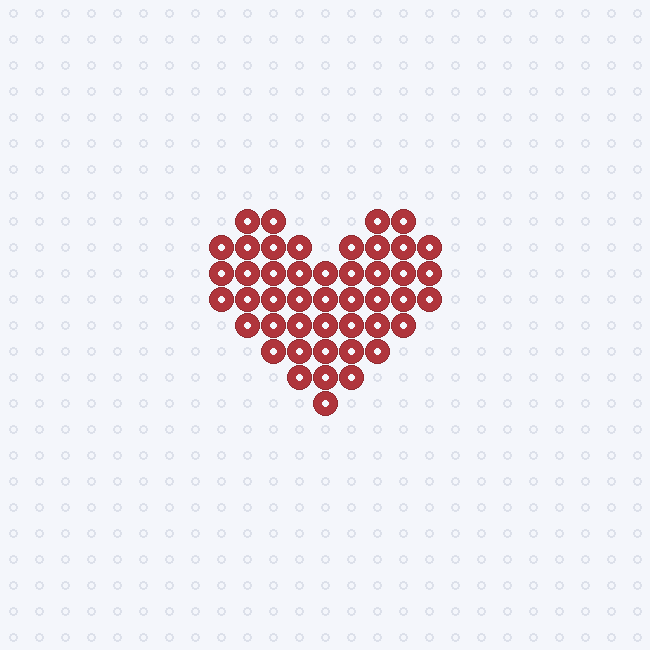 Mini heart bead pattern
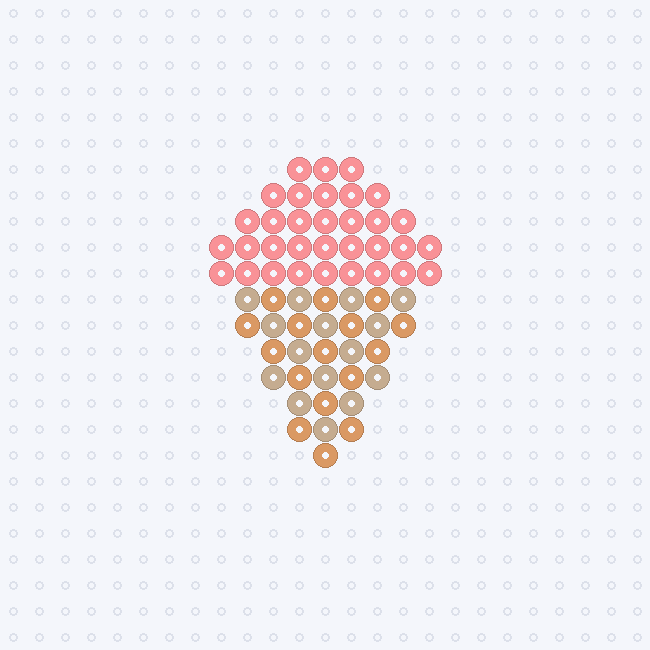 Ice cream cone bead pattern
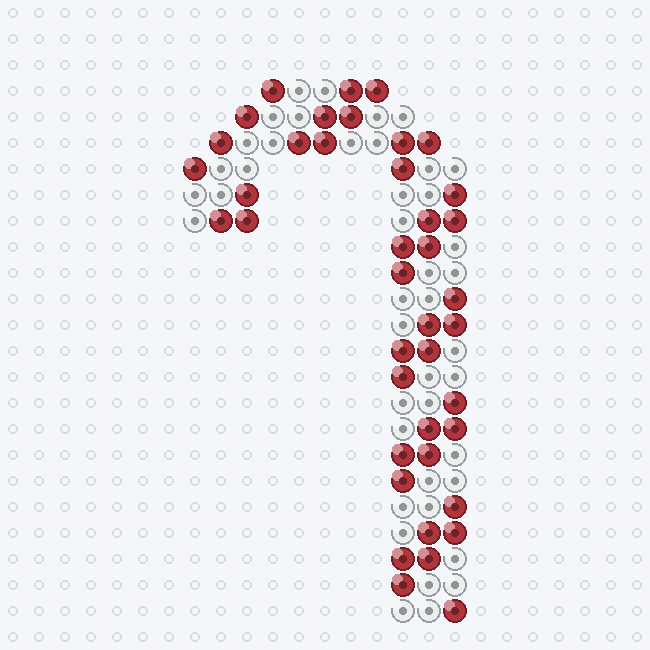 Candy cane bead pattern
 Diamond bead pattern
 Ladybug bead pattern
 Cloud bead pattern
 Apple bead pattern