Choose the star for the fewest colors, or cherries for the fewest beads. These 7 original simple Perler bead patterns compare stars, rainbows, fruit and a mushroom motif by motif, with 55–162 beads per chart. For the broader principles behind an easy design, read what makes a bead pattern simple.
Open a card for its full chart and color counts. These are static reading charts; opening a card does not load an editable project into the maker. The strawberry and cherries are new original fruit charts.
The table starts with the fewest beads. Select the Beads heading to reverse the order. Main-color share is the largest color count divided by the total beads, multiplied by 100 and rounded to one decimal place. Empty cells are excluded from bead totals; grid dimensions describe the chart canvas.
Compare motifs — select Beads to reverse the order.
For example, Red accounts for 100 of the strawberry's 122 beads (82.0%). A high main-color share means more of your bead sorting goes into that color; narrow joins and scattered details still need attention.
Which motif for which job
Practise an outline with the fewest colors: Star uses 1 color. The star has no detail colors to place, so you can concentrate on its points and notches.
Keep the bead pile small: Cherries has the fewest beads here, 55, on a 13×9 canvas. Its thin connecting stems still need care.
Fill the largest chart canvas: Star has the largest grid by area, 23×23 (529 cells, including empty cells). For the most actual bead placements, rainbow uses 162 beads.
Practise color changes: the rainbow separates its colored arcs from the White clouds. The watermelon separates its Red flesh, Black seeds, White layer and Dark Green rind.
Build a fruit set: apple, watermelon, strawberry and cherries all use Red and Dark Green. Follow each color list for the remaining details; the strawberry has Yellow seeds and the cherries have Light Pink highlights.
Practise mirrored detail: the strawberry's seeds and mushroom's cap spots match across the centre. The cherries' highlights both sit on the left, so copying one fruit as a mirror image would change the chart.
Per-motif color lists and codes
Counts below come from each chart's data. Names, codes and screen shades use the maker's Perler reference palette. Screen colors are approximations; compare them with your physical beads. BeadDraft is not affiliated with or endorsed by Perler.
Star: mark the top point and the inward notches first, then follow the Yellow outline before filling it. Count the steps along each diagonal instead of estimating a smooth edge.
Rainbow: place the outer Red arc to set the span. Work inward through Orange, Yellow, Dark Green, Light Blue and Purple, then check where the White clouds meet the ends.
Apple: locate the Brown stem and the Dark Green leaf at the top before filling the Red body. Follow the leaf's actual position instead of mirroring it.
Watermelon: trace the curved Dark Green rind and its White inner layer, then mark the Black seeds before filling the Red flesh. Keep the empty pegs outside the slice clear.
Strawberry: start with the Dark Green crown. Counting from the chart's top row, place the Yellow seed pairs in rows 4, 6, 8 and 10 before filling Red. The pairs step inward near the tip; the outer leaves and bottom point need gentle handling.
Cherries: place the green stem arch before the fruit and leave the opening beneath the arch empty. Put each Light Pink highlight on the left. The stems are the only link between the fruit, so support both fruit bodies when lifting.
Mushroom: place the Yellow cap spots first, fill the Red around them, then build the Tan stem. Compare the spots across the centre before fusing.
Make your own motif pattern
Choose your own drawing. Use an original image or one you have permission to adapt, then open it in the maker.
Set the grid width. The maker accepts 12–120 cells across. Height follows the crop and is limited to 120 cells; a smaller width or a tighter crop may be needed for a tall image.
Limit the colors. Generation allows up to 12 colors. Inspect whether seeds, highlights and stems survive in the preview.
Apply, then edit. Apply the preview before painting, erasing or replacing colors. Check narrow joins and read the updated counts.
Export the confirmed chart. Download the PDF reading chart, PNG or CSV. Unapplied previews are not exported.
The PDF is a READING CHART — NOT 1:1, with color counts, symbols and board sections of up to 29×29 cells. Read it beside your pegboard. There is no calibrated bead-size or bead-type setting, and these gallery cards do not provide a direct editable-project import.
For the least color sorting, choose Star: 1 color and no detail colors. For the fewest beads, choose Cherries at 55 beads, but handle its narrow stems gently.
How many beads does the star pattern use?
This star uses 158 beads in 1 color, Yellow (80-19003), on a 23×23 chart. Empty pegs are not included in the bead count.
Which colors do I need for the strawberry pattern?
Red (80-19005): 100 beads; Dark Green (80-19010): 14 beads; Yellow (80-19003): 8 beads. That is 122 beads in 3 colors. Place the Yellow seeds before filling the Red fruit.
Can I print these patterns at 1:1 bead size?
No calibrated 1:1 template is provided. The maker PDF for a recreated or generated project is a READING CHART — NOT 1:1, with symbols, color counts and sections of up to 29×29 cells. Read it beside the pegboard.
Are these original bead patterns?
Yes. These are original BeadDraft drawings of generic motifs, with no character, brand or logo artwork. Use an image you made or have permission to adapt when making your own chart.


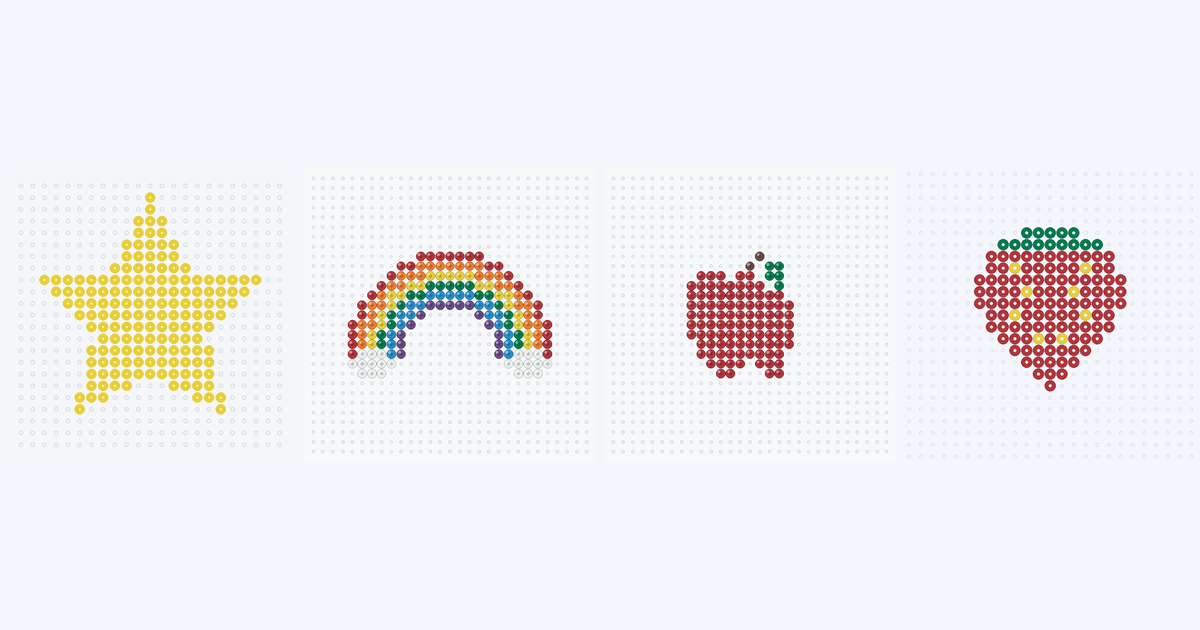
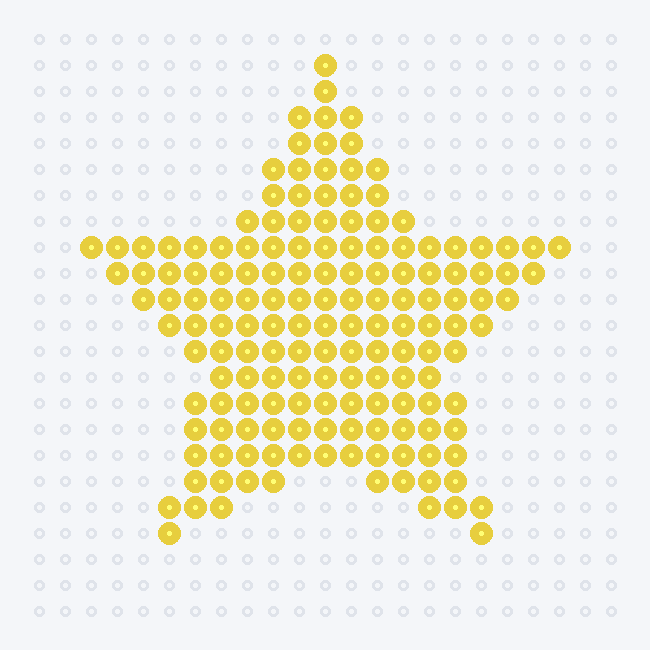 Star bead pattern
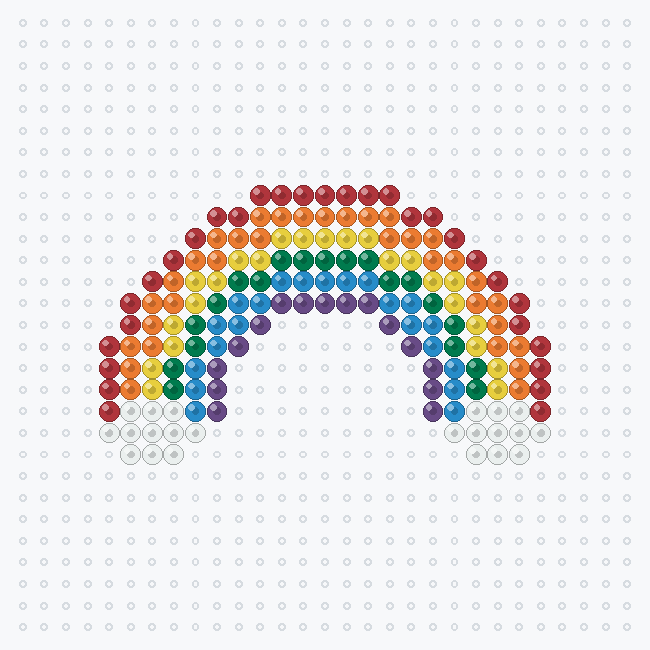 Rainbow bead pattern
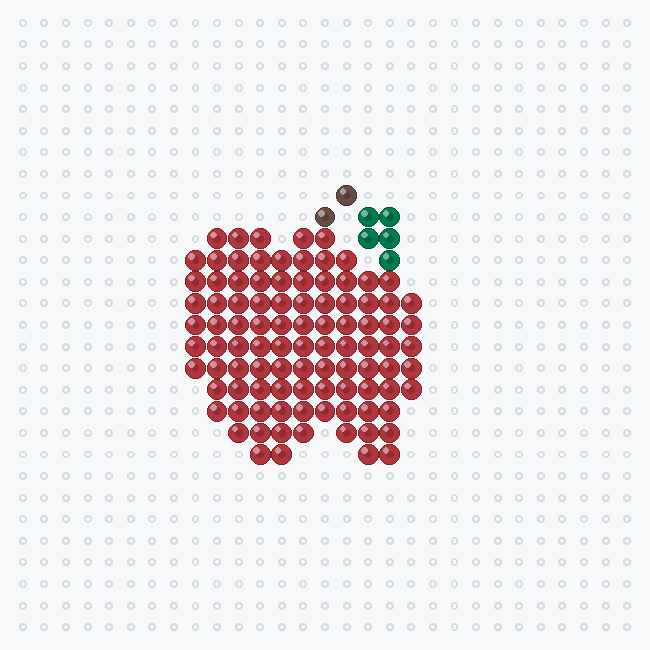 Apple bead pattern
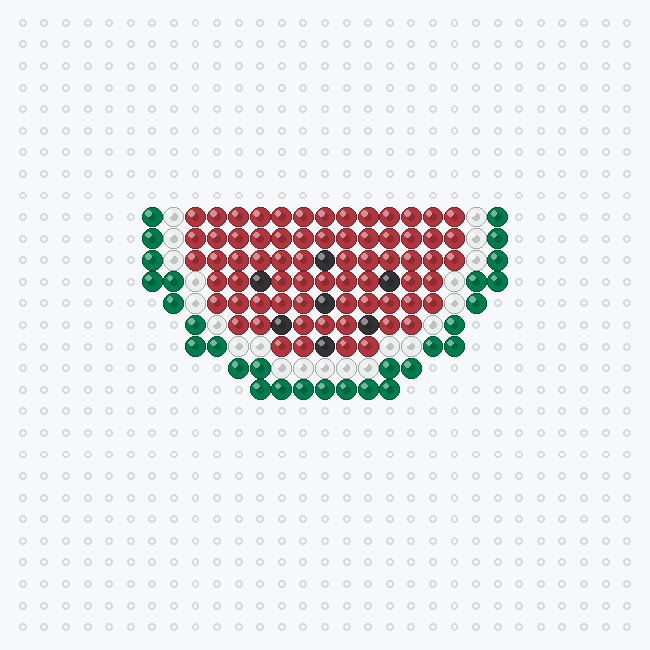 Watermelon slice bead pattern
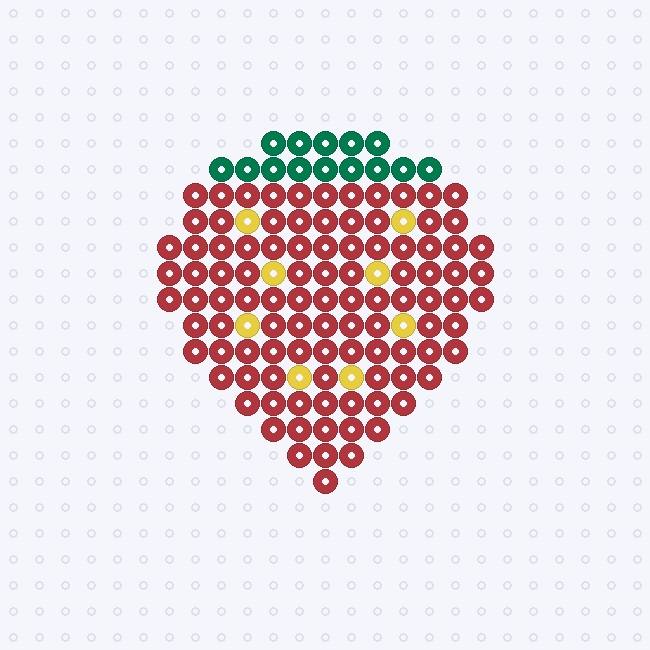 Strawberry bead pattern
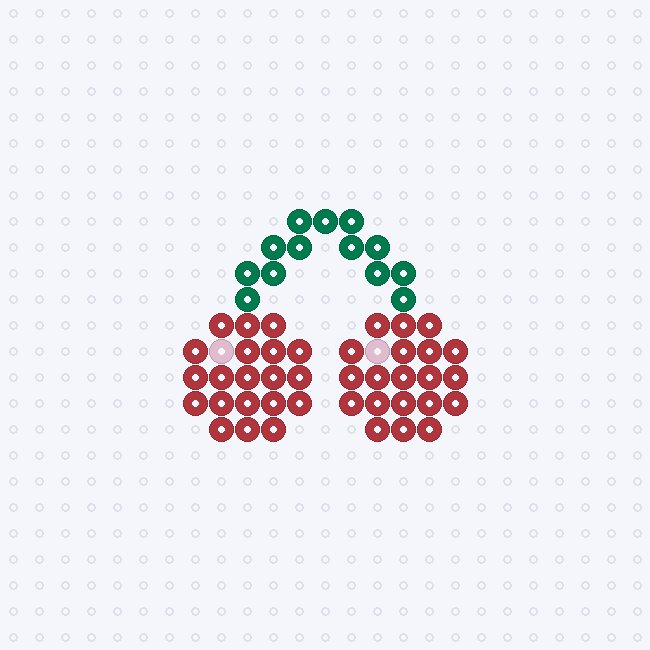 Cherries bead pattern
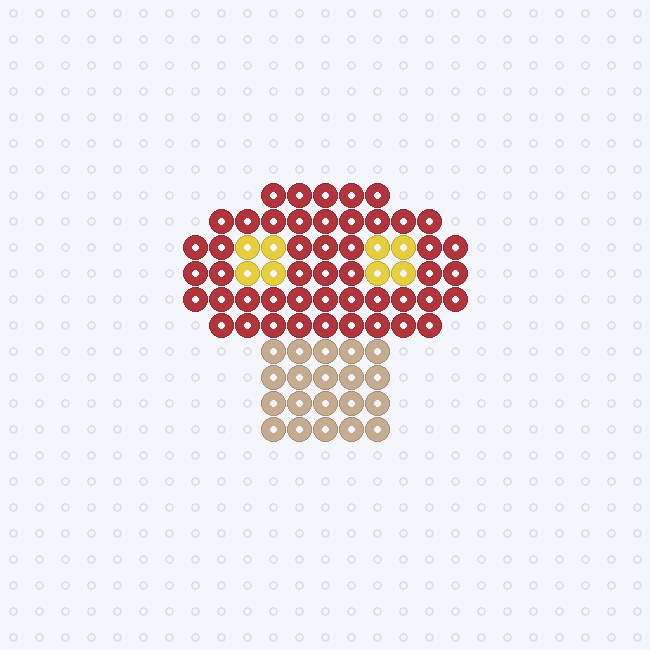 Mushroom bead pattern